Editing a Product
To Edit a product, you can either, browse to the product in the admin via the “Catalog > Categories/Products”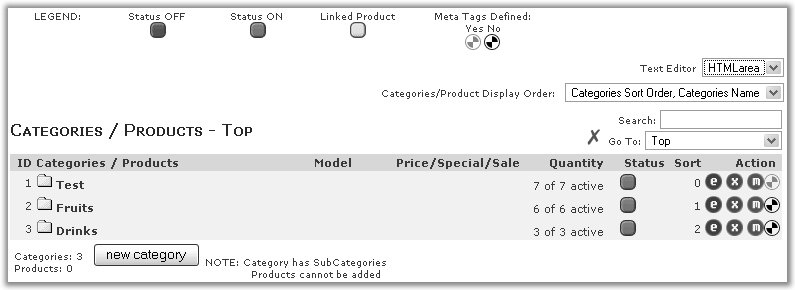
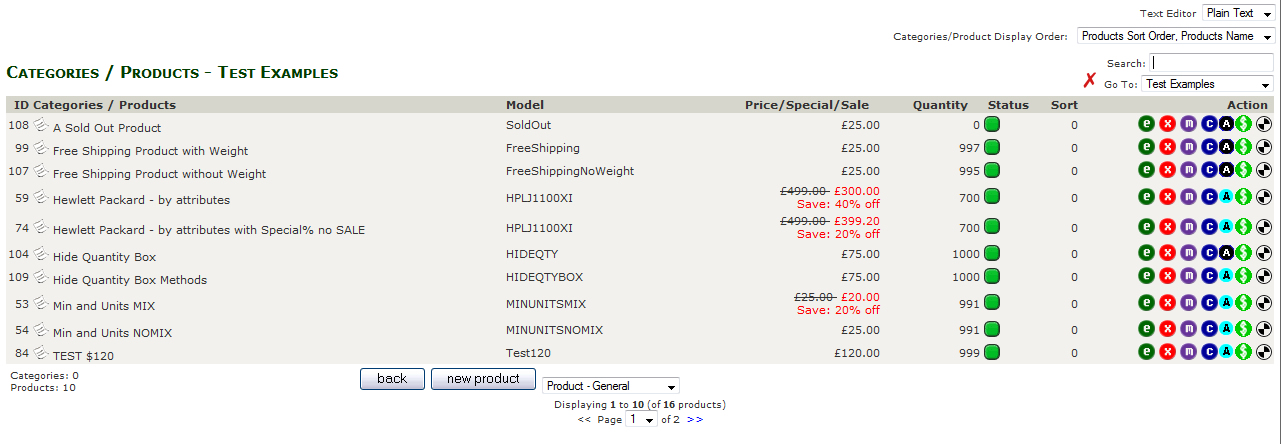
or search for the product (by name or reference number) using the search field in the admin.

Click the  button next to the products name.
The Edit product screen is the same as the add product screen so follow the guidance on that page (Add a Product) for each field.