Products in Zen Cart are arranged in a similar way to folders on a computer.
A folder can contain a sub folder, and sub folders can contain more sub folders or files.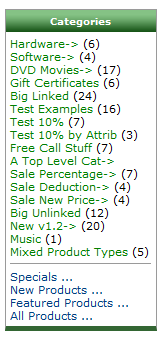
In Zen cart the folders are the categories and the files are the products.
In Zen the categories make up the site navigation.
They will be displayed in the site main navigation (this can be in different parts of the site depending on the site layout) an example of a categories menu is shown right
The site always has a top level category, referred to as “Top”.
Below this are the categories that make up the first visible level of the store.
Under each category you can have multiple sub categories or products
Categories form the site navigation so they should be organised in a manner that make finding products easy.