Moving a category
You can move a category and all the products in that category to another location on the site.
1. Click on Catalog > Categories/Products to access the Categories/Products screen.
2. Click on the purple  icon in the row containing the category which you want to move.
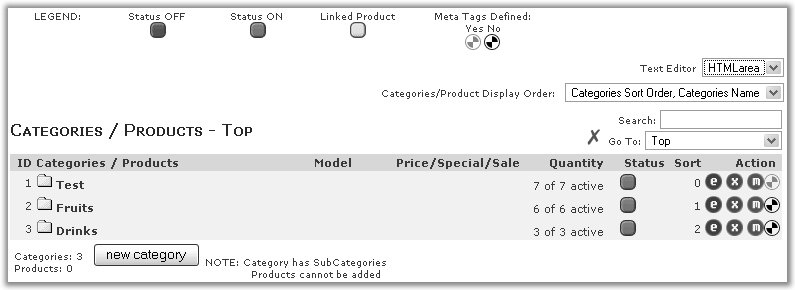
3: You should see a screen similar to the following screen shot.
4. Choose the destination category to move to from the drop-down list box.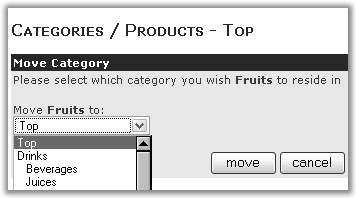
5. Click on move to move the category to the destination category.