Removing a Special or Featured Products
The way Special and Featured products are removed is very similar.
If you want to remove the remove Special or Featured status from a product immediately click the  on the Specials page (Catalog–> Specials) or Featured Products (Catalog–>Featured Products).
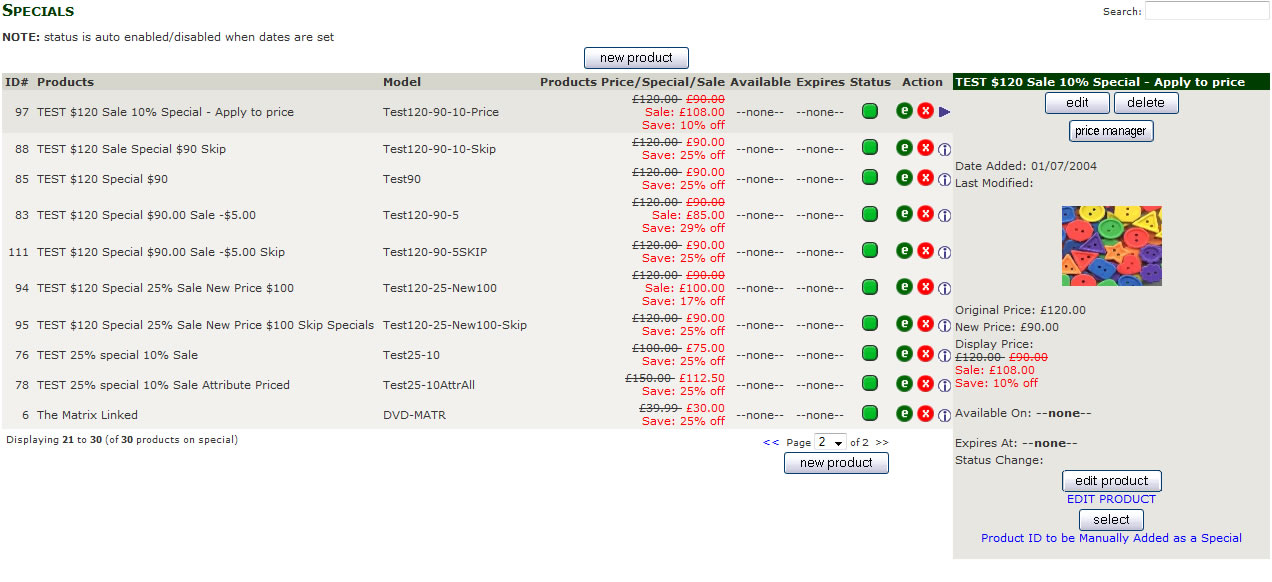
You will be asked to confirm the Deletion.
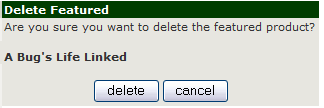
Click the delete to remove the products “Special” or “Featured” status.
or click cancel to return to the “Special” or “Featured” listing page.
This does not delete the product only the “Special” or “Featured” status