Editing a Manufacturer
To Edit an existing manufacturers, navigate to the Manufacturers page (Catalog > Manufacturers).
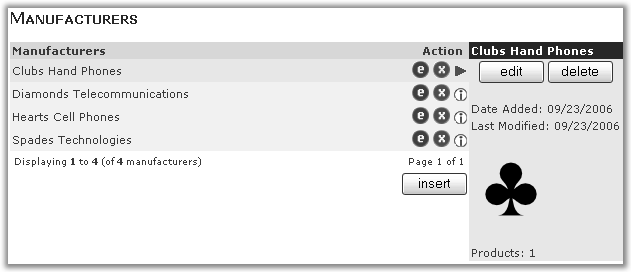
From the list of manufacturers, click the  next to the manufacture name.
Alternatively you can click the manufacturer name, that manufacturer information will be displayed in the right hand block, you can then click the edit button.
You will be presented with the manufacturer edit page (which has the same format as the add manufacturer page)
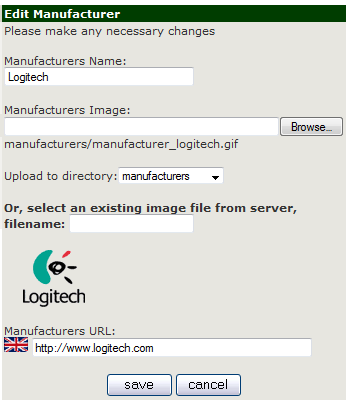
Amend the details as required and click save.