Delete the Manufacturers
To Delete a manufacturer, navigate to the Manufacturers page (Catalog > Manufacturers).
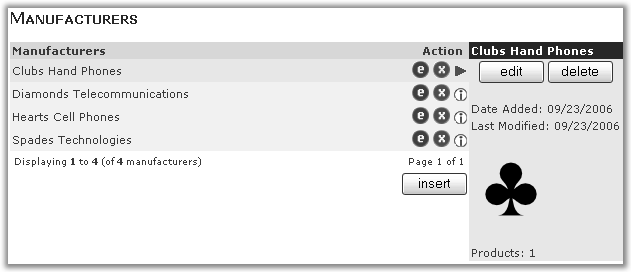
Click the  next to the Manufacturers name.
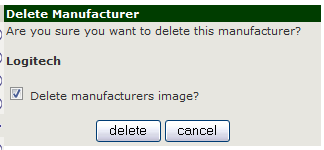
You will asked to confirm your decision and if you want to delete the image (if there is one) assigned to that manufacturer.
If a Manufacturers has products assigned to it, you will asked if you want to delete those products, if you don’t not those product will revert to no manufacturers assigned (-none- on the product add/edit page)
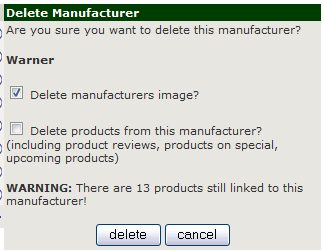
Click delete and you the Manufacturer will be removed and you will returned to the Manufacturers listing page.
Or click cancel to return to the Manufaturer List page